Captions first.
Read CORS-accessible captions or page subtitle tracks and skip inference. If a platform restricts access, the app explicitly offers tab-audio consent instead.
LESS WATCHING. MORE UNDERSTANDING.
Paste a link. Read captions first.
When captions are unavailable,
let your browser listen.
Browser-only · No installation · GPU optional, CPU supported
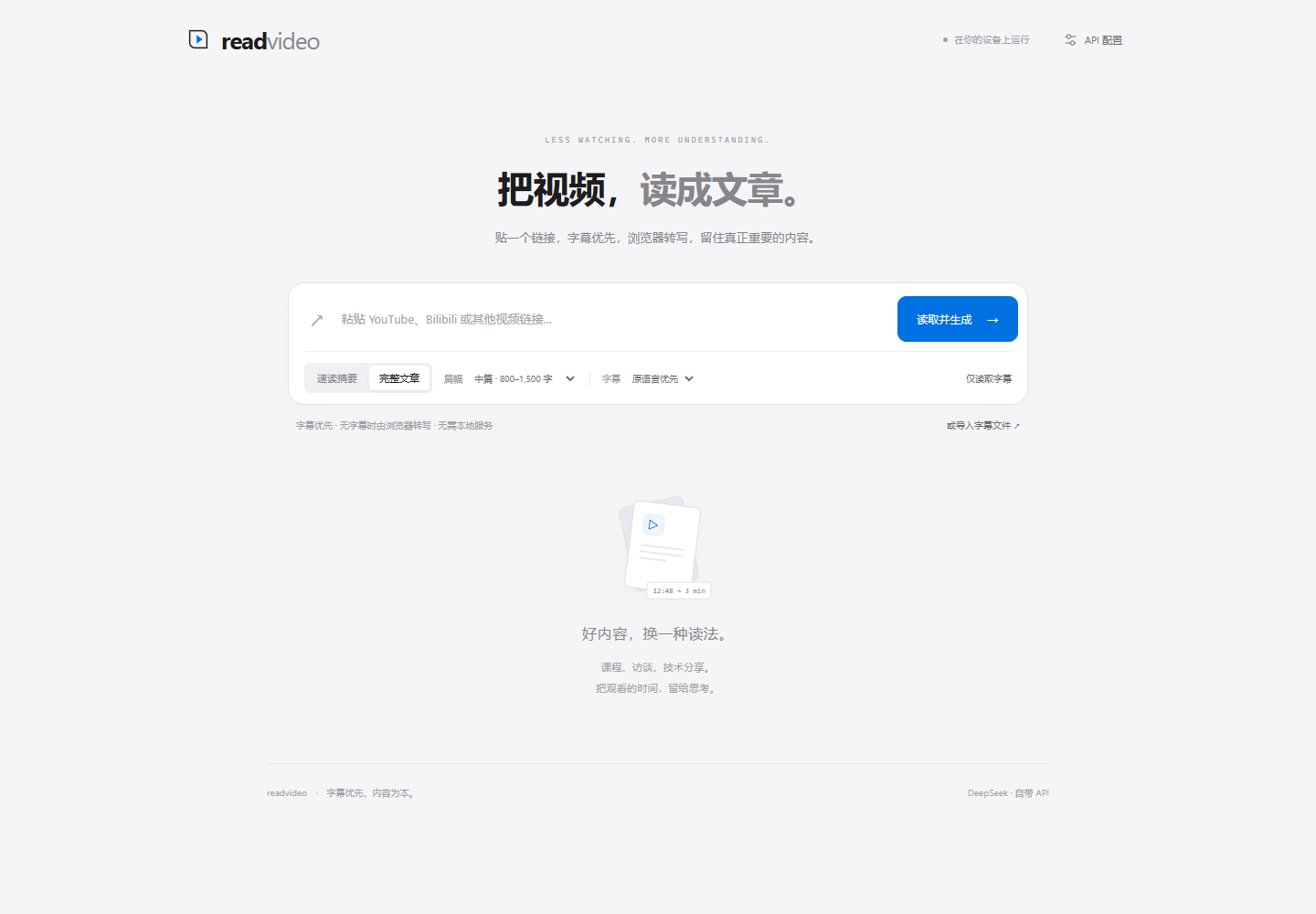
Keep the source. Let your browser transcribe, and your chosen model organize the ideas.
Read CORS-accessible captions or page subtitle tracks and skip inference. If a platform restricts access, the app explicitly offers tab-audio consent instead.
Explicitly share the video tab audio. Whisper runs in a browser Worker while you play it. No cloud ASR, extension or local service required.
Use your API to generate four article depths. Correct clear transcription errors, preserve numbers and qualifications, and flag uncertain terms while retaining the transcript.
Length follows information density. No invented filler or silently dropped ending.
YOUR BROWSER. YOUR COMPUTE.
This screenshot comes from real Chrome: Whisper recognized a public speech sample using CPU / WASM, without an ASR backend.
Try WebGPU when available, otherwise run the quantized model on CPU. Audio capture and inference use separate workers, with visible pending time. Model assets download on demand and can be cached.
Read the verification record ↗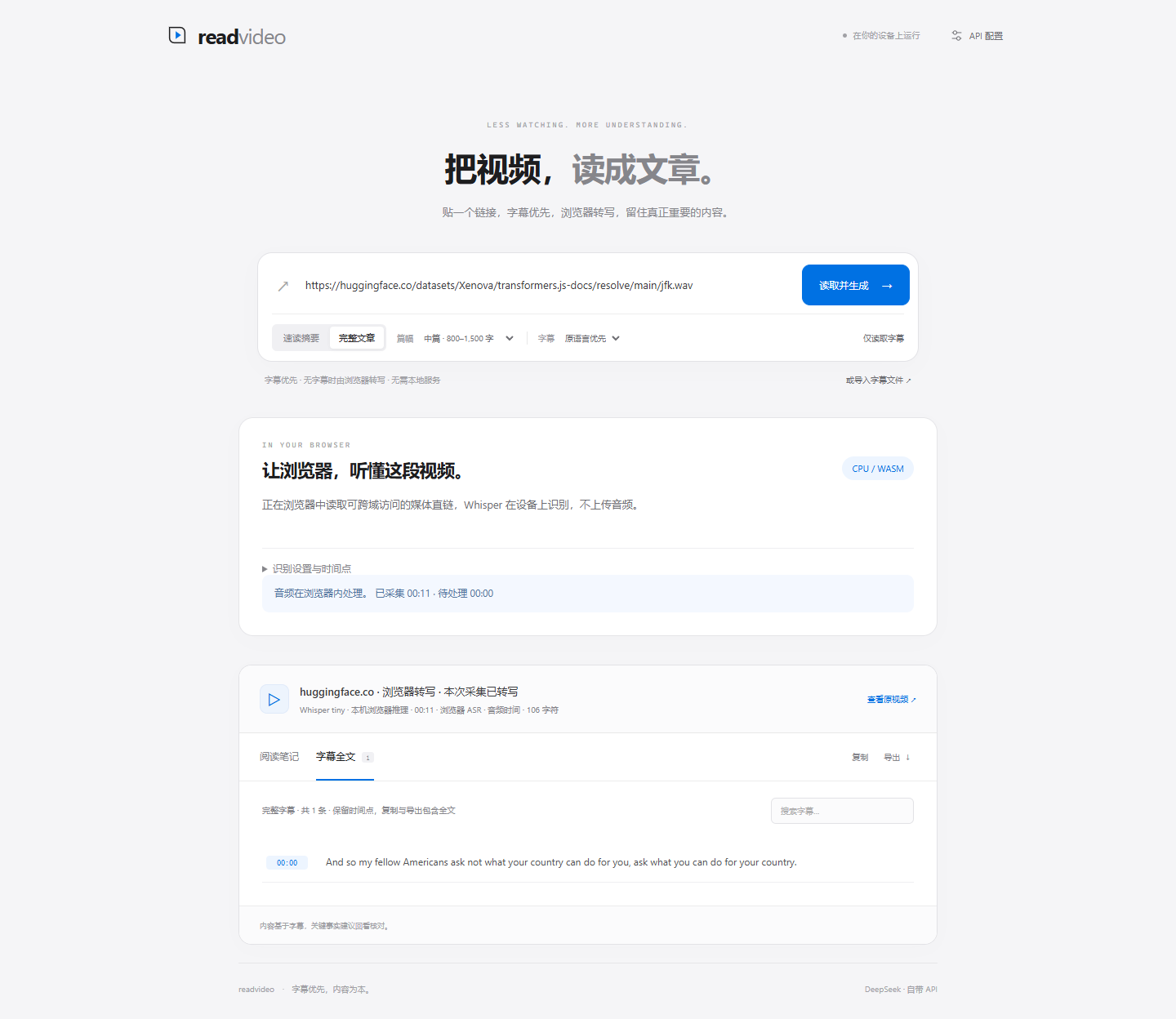
No Python, yt-dlp or local model service. Desktop Chrome / Edge is the initial recommended browser for tab-audio sharing.
Choose an article depth. The app first tries accessible captions.
Use the inline player and explicitly share this tab audio. Restricted embeds can fall back to the original video tab.
Stop capture, drain the queue, then generate with your API. Copy or export the full text.
Audio stays in the browser. Only requested generation sends text to your chosen API. Keys remain in page memory.
Yes. Open the app and use it without a local service. The current app interface is Chinese, with Chinese and English generation and bilingual product pages.
Webpages cannot freely read protected audio or captions from other sites. Consent shares playback, not a downloadable entire audio track. Capture follows playback; pauses, seeking, ads and speed changes affect timestamps. Skipped content is not recovered automatically.
Use the lightweight Whisper tiny model through CPU / WASM. Speed depends on your device. Pending time is visible, and processing can continue after capture ends. GPU acceleration is optional.
Browser ASR does not call a paid transcription service. Initial use downloads an open model. Article generation uses your selected API; its charges or free tier depend on the provider. Custom services must allow browser CORS; no shared key is bundled.
Earlier text and queued audio are retained. Retry on CPU or download pending audio. Partial results are labelled. Editorial correction is not external fact checking; important claims still need verification.